
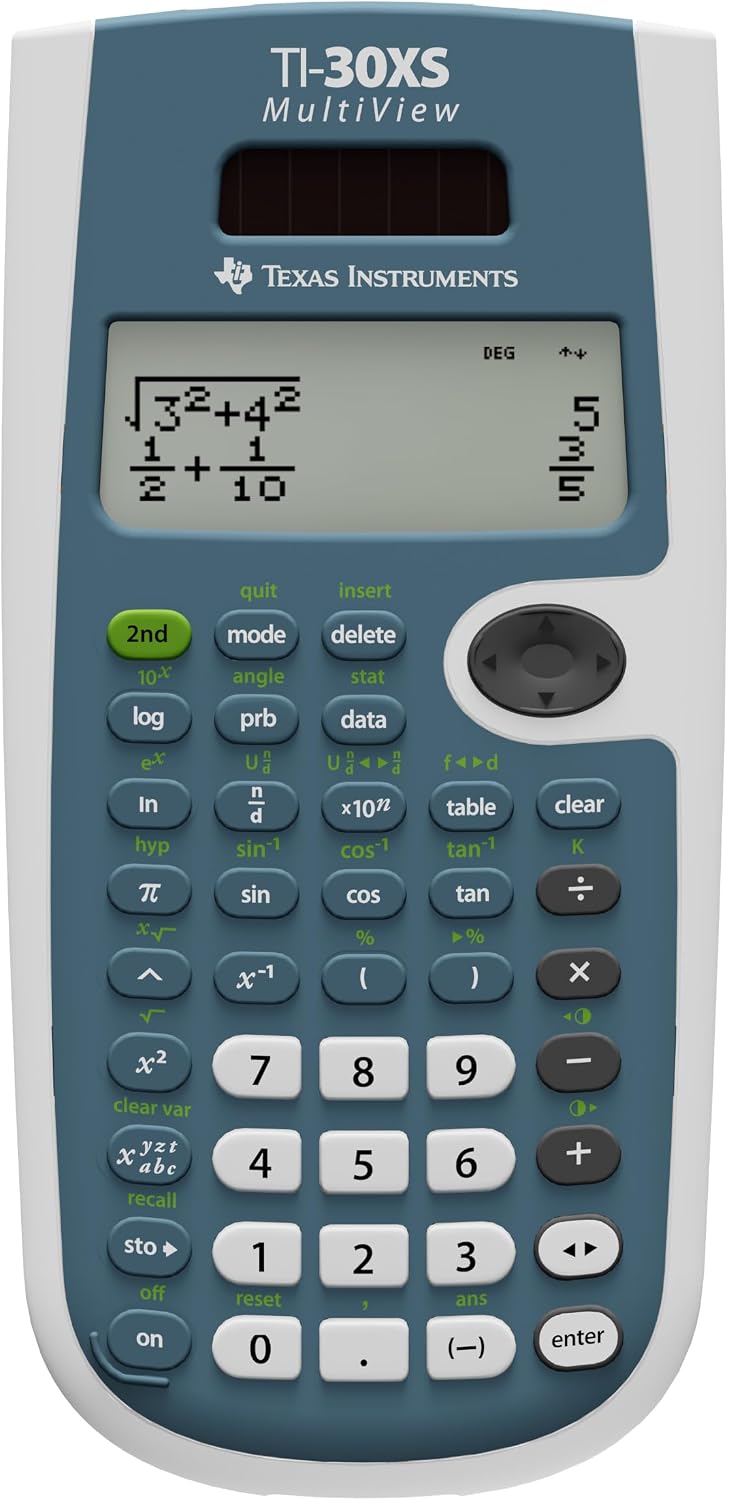
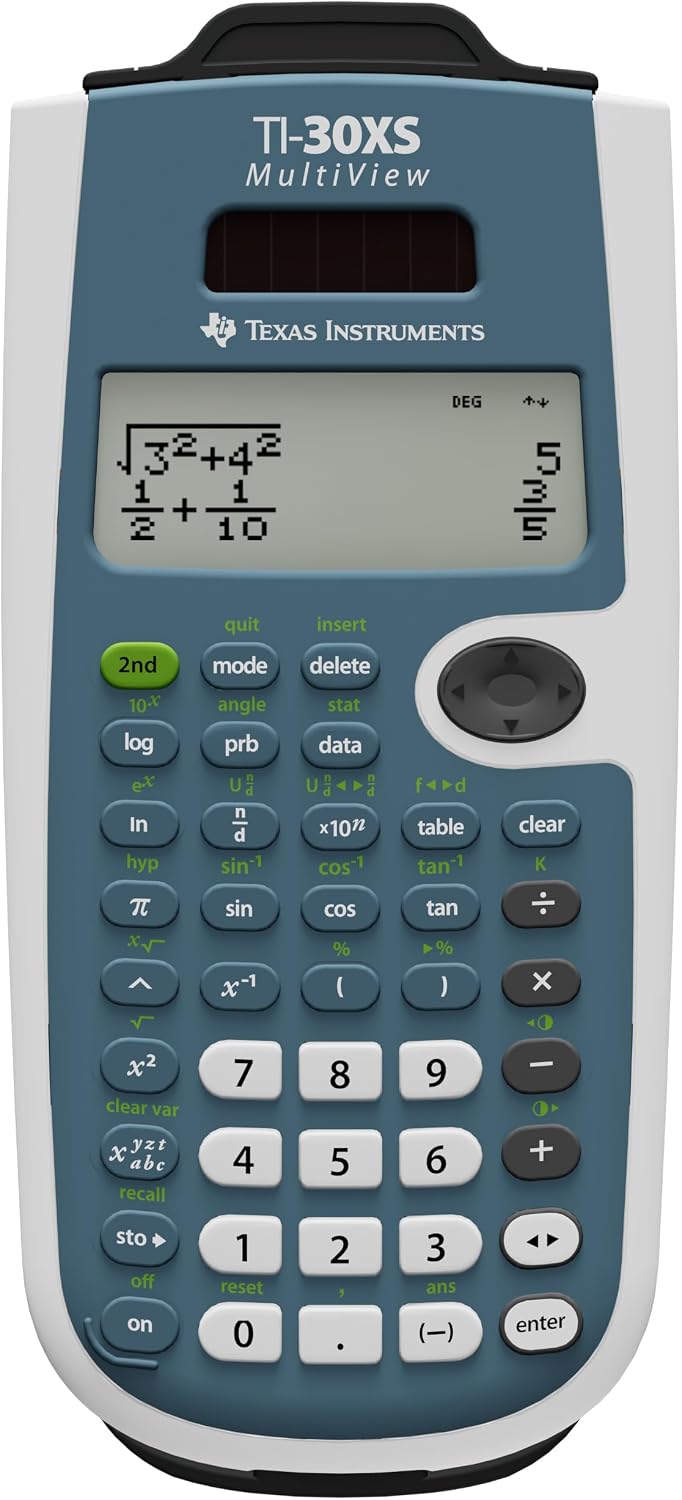
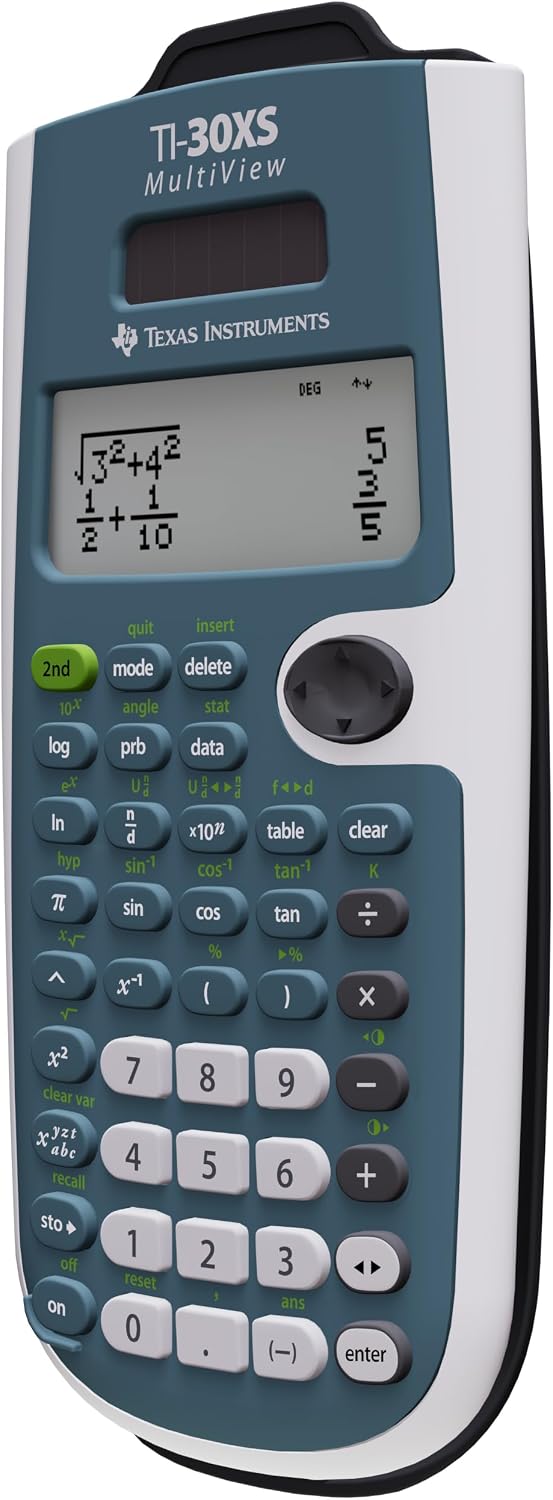
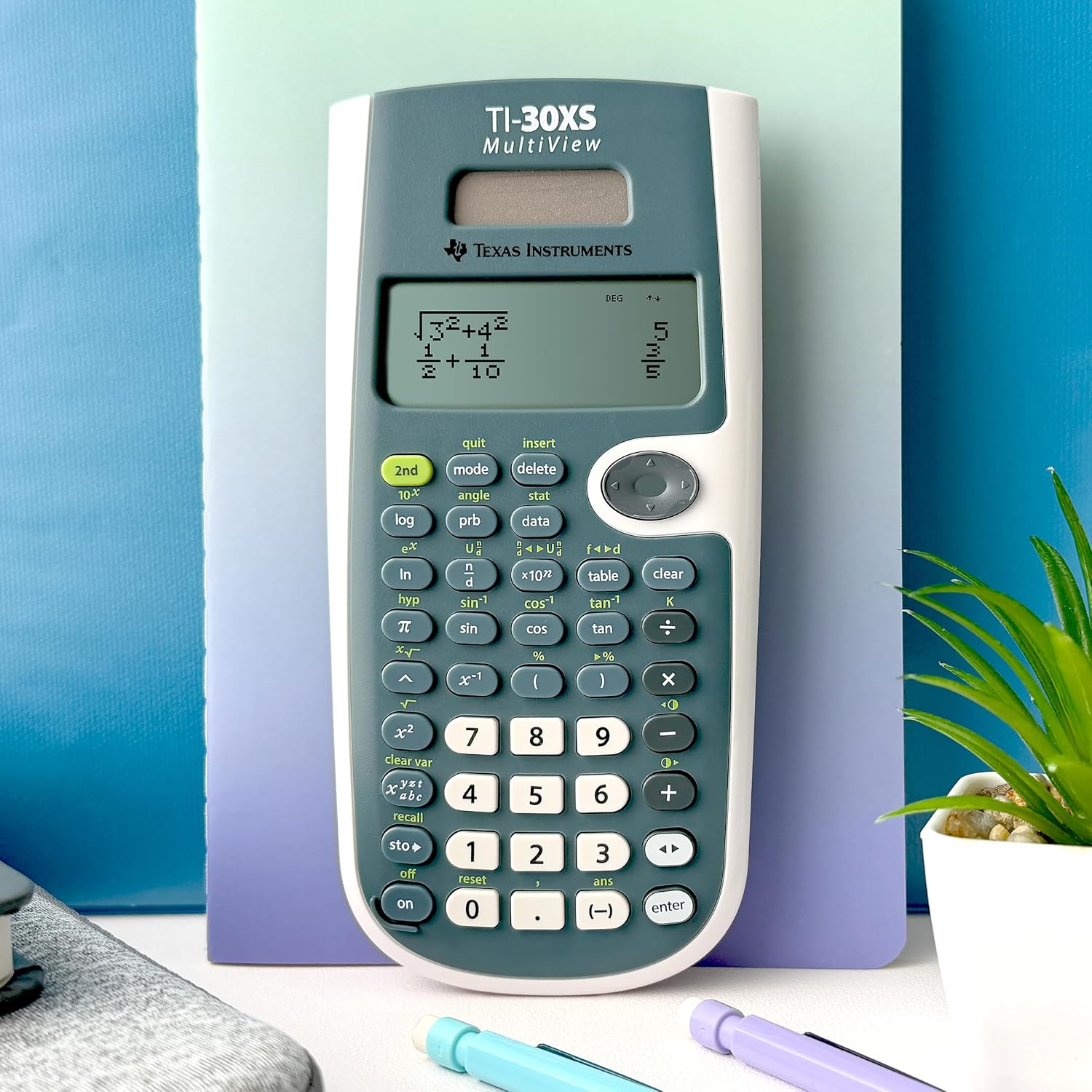

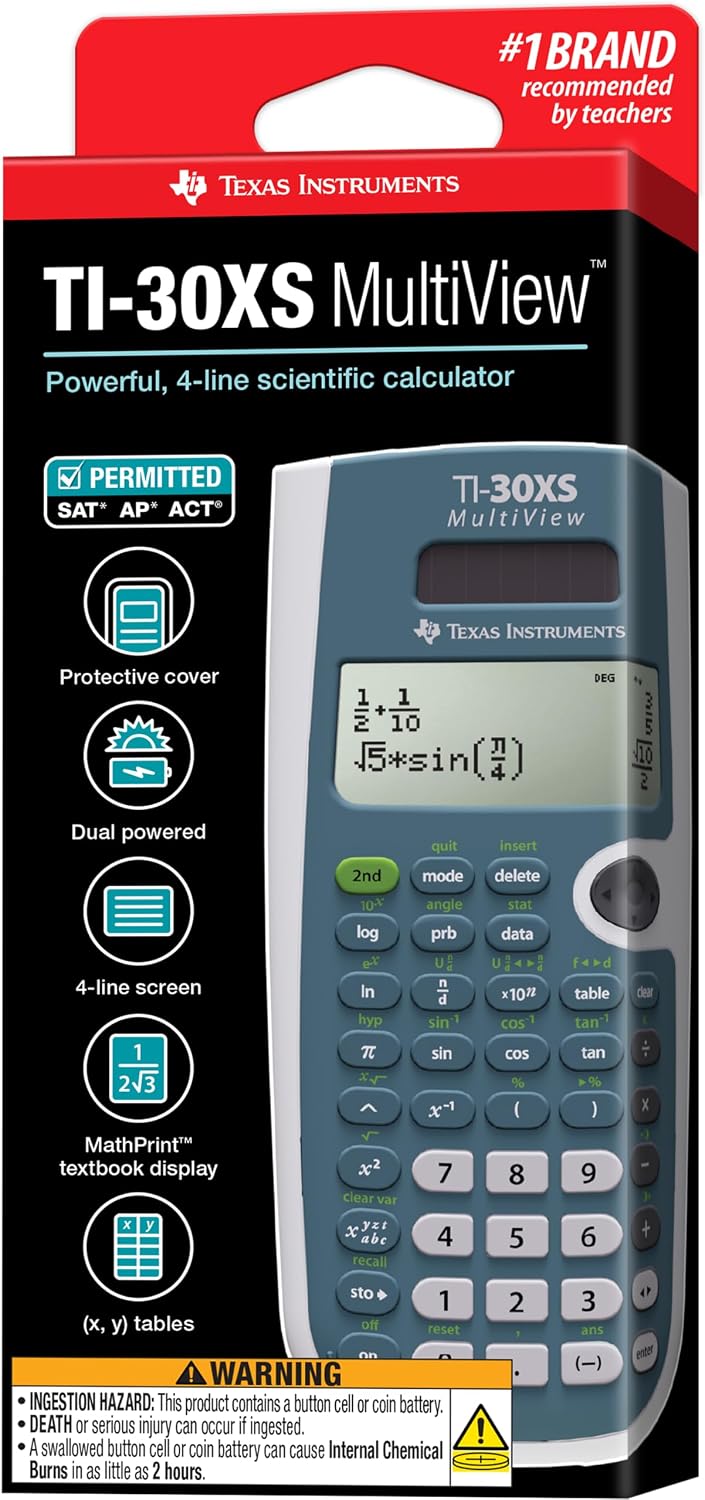
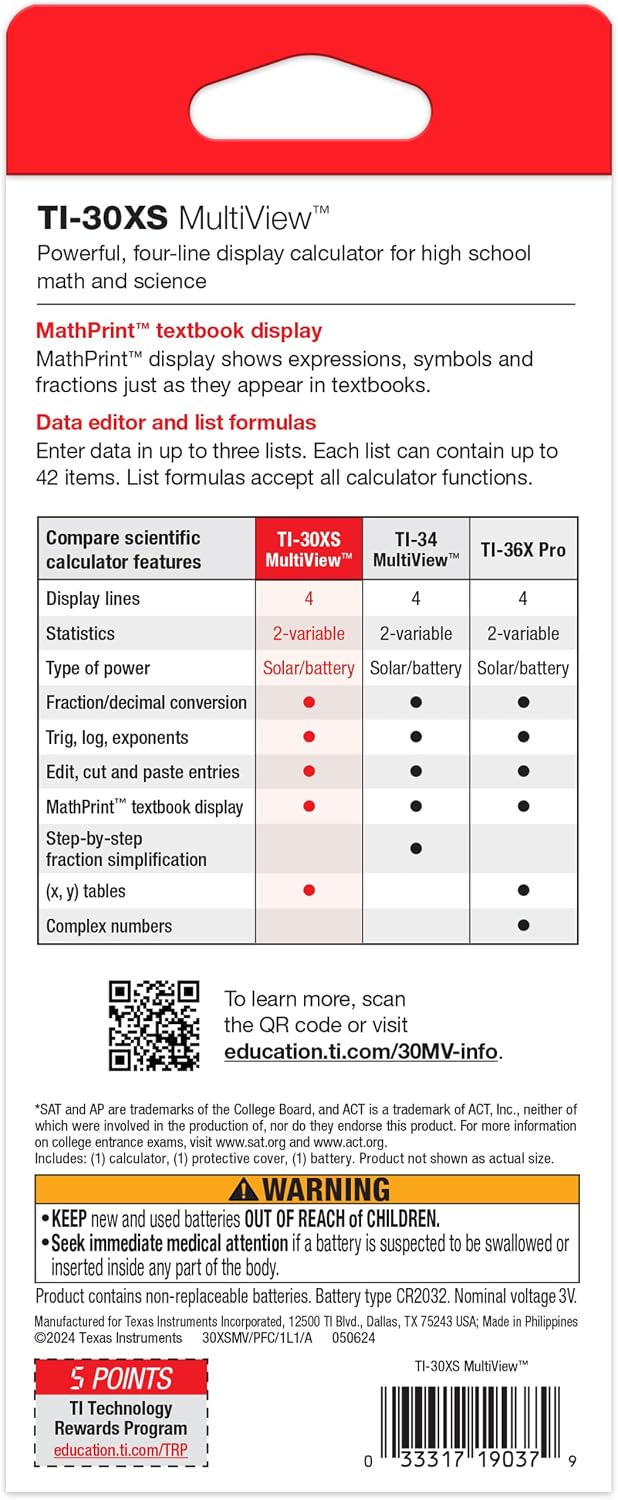
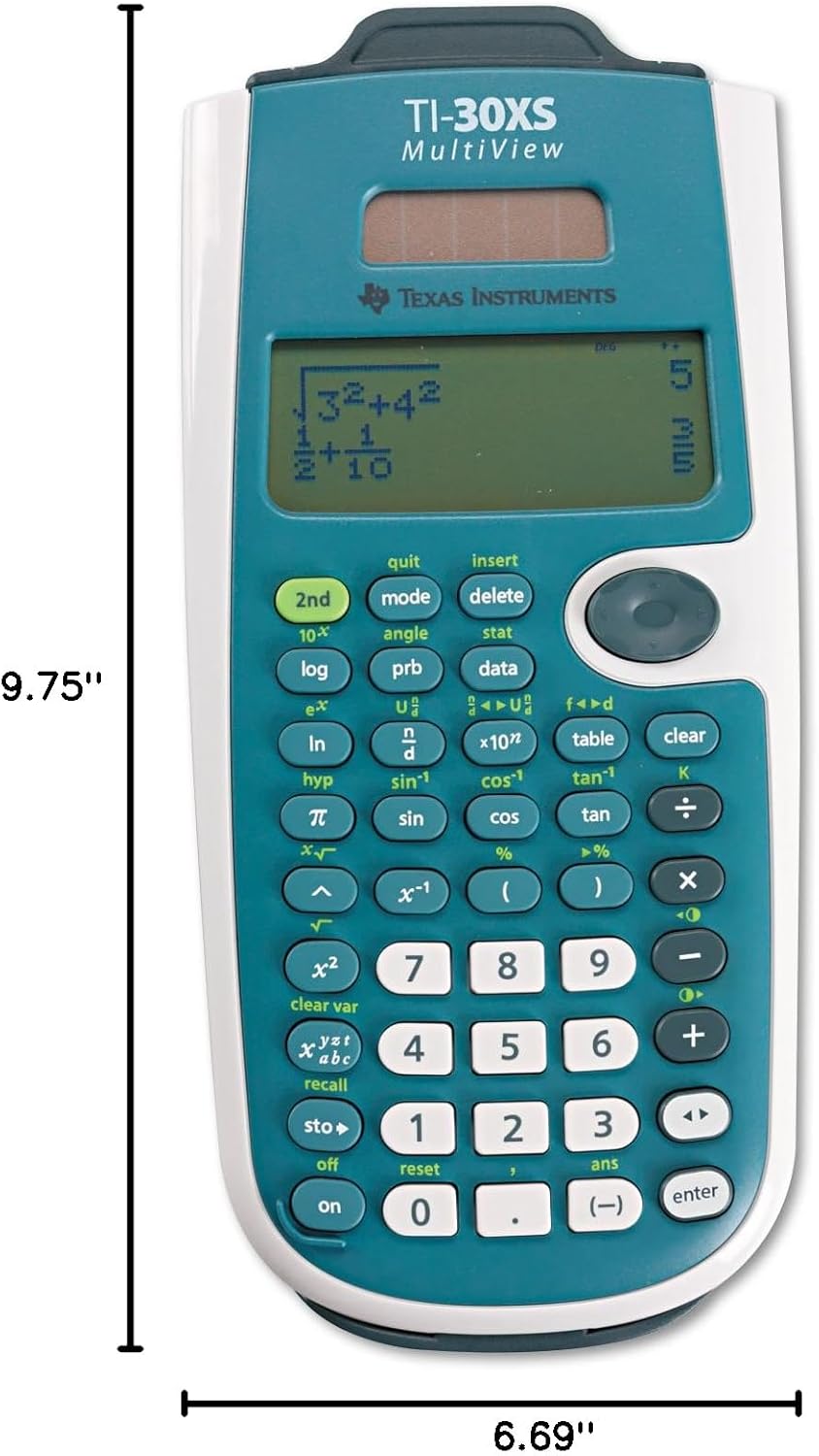
Texas Instruments TI-30XS MultiView Scientific Calculator: Is It Really Worth Your Dime?
Picking out a scientific calculator? It’s not always as straightforward as it seems, especially with all the models out there. This guide dives deep into the Texas Instruments TI-30XS MultiView Scientific Calculator, cutting through the marketing noise to help you decide if it’s the right tool for your math journey. We’ll explore its features, compare it to other popular options, and figure out who truly benefits most from this workhorse.
Quick Answer
The TI-30XS MultiView is a fantastic middle-ground scientific calculator, striking a solid balance between features and ease of use. It’s often a smart choice for most high school and early college math courses thanks to its multi-line display and natural input capabilities, making complex fractions and equations much clearer. For many students and professionals, it offers more utility than basic models without the unnecessary complexity or cost of a full graphing calculator.
What to Look For (The Buying Criteria)
Alright, so you need a calculator. But which one? It’s not just about crunching numbers; it’s about having the right partner for your particular math battles. When eyeing a TI-30XS MultiView — or any scientific calculator, for that matter — you’ve gotta consider a few key things.
First up, Display Quality and Input Method. This is huge. Most basic scientific calculators, like the older TI-30XA, have a single-line display. You type in an equation, hit enter, and you see the answer. If you made a mistake, you’re usually re-typing the whole thing. The TI-30XS MultiView, as its name implies, offers a multi-line display. This means you can see your input exactly as it would appear in a textbook – fractions stack, exponents are superscripted. It’s what Texas Instruments calls “MathPrint” or “natural display.” This makes catching errors way easier, and visualizing complex expressions, say, with nested radicals, becomes a breeze. Now, some might argue that too many lines can be distracting, especially if you’re used to a simpler interface. But honestly, for most users, seeing the whole problem laid out makes a genuine difference.
Next, Functionality and Feature Set. Beyond the basics (addition, subtraction, multiplication, division), what can this thing do? The TI-30XS MultiView boasts a pretty robust set of functions. Think advanced statistics (two-variable stats, regressions), trigonometry, logarithms, powers, roots, and dedicated keys for fractions. It’s got constants, unit conversions, and some basic equation-solving capabilities too. What it doesn’t have is graphing functionality or advanced symbolic algebra, which you’d find on a graphing calculator like a TI-84 Plus CE. Is that a limitation? Depends entirely on your needs. For Algebra I, Geometry, or even Pre-Calculus, the MultiView usually has more than enough horsepower. If you’re diving deep into calculus or engineering, you might eventually need something heftier. Don’t fall into the trap of overbuying features you’ll never touch. I’ve seen people spend way too much on calculators with features they never use; it’s a common oversight.
Then, there’s Durability and Build Quality. A calculator isn’t just a desk ornament. It gets tossed into backpacks, shoved into lockers, dropped from tables. You want something that can take a beating. Texas Instruments calculators, generally speaking, are known for their sturdy construction. The buttons should have a decent tactile feel, not feel flimsy or mushy. A protective slide case is a must-have for anything that’s going to travel. Check for a robust housing; a cheap calculator often feels just that – cheap – and won’t stand up to daily abuse. A minor gripe with some models can be key responsiveness over time. That’s a durability consideration you won’t always spot until you’ve owned it for a while.
Power Source matters more than you might think. Many scientific calculators, including the TI-30XS MultiView, are dual-powered: solar with a backup battery. This is brilliant. The solar panel handles most of the day-to-day work, extending battery life significantly. You rarely have to worry about it dying in the middle of a big exam. Some cheaper models rely solely on batteries, and you know how that goes – the battery always dies at the worst possible moment. Always. So, dual power is a definite win here, offering peace of mind.
Exam Approved Status is non-negotiable for students. Before you buy anything, confirm that your specific course, standardized test (like the SAT, ACT, AP exams), or university allows the calculator you’re considering. The TI-30XS MultiView is widely permitted on most standardized tests and in classrooms up through high school and early college. Graphing calculators have more restrictions. Always check the official guidelines; it’s a quick search that can save you a big headache. Nobody wants to show up to a test and have their fancy new gadget confiscated.
Finally, Brand Reputation and User Support. Texas Instruments has been in the calculator game for a long, long time. They’re a staple in classrooms across North America. This means a few things: reliability, readily available support materials (manuals, online tutorials), and familiarity for teachers. If your teacher uses the same brand, you’re likely to get more consistent help and less confusion in class. While there are other solid brands out there, the widespread use of TI calculators provides a certain level of ecosystem benefit. This isn’t to say other brands aren’t good – Casio’s FX-991EX is a formidable competitor – but sometimes, sticking with what the school recommends simplifies things for everyone involved.
How to Match the Product to Your Situation
Finding the right calculator isn’t just about raw power; it’s about fitting your specific needs, your budget, and how you actually learn and work. Let’s sketch out a few scenarios.
The High School Student (Algebra through Pre-Calculus): This is the TI-30XS MultiView’s sweet spot. You’re learning to manipulate fractions, solve multi-step equations, delve into trigonometry, and maybe even some basic statistics. The MultiView’s natural display is a godsend here. It helps you visualize problems just as they appear in your textbook, cutting down on “syntax errors” that can frustrate new learners. You won’t need graphing capabilities for most of these courses, so a full graphing calculator would be overkill – an unnecessary expense and a steeper learning curve. The MultiView hits that perfect balance of features without being overwhelming. It’s also nearly universally allowed on high-stakes tests at this level.
The Early College Student (Non-Calculus focused STEM or Liberal Arts Math): If you’re tackling statistics, college algebra, or even introductory chemistry or physics, the TI-30XS MultiView often suffices. Its robust statistics functions are particularly useful for those first-year stats classes where you’re working with data sets and regression analysis. For many general education science courses, the unit conversion and constants features prove surprisingly handy. You’re getting powerful tools without the complexity of a calculus-specific machine. However, if your major is heavy on calculus right from the start, you will eventually need a graphing calculator. But for those initial steps, the MultiView is more than capable.
The Budget-Conscious User or Secondary Calculator Seeker: Perhaps you already own a graphing calculator, but you need something simpler, faster, and less clunky for everyday tasks or for tests where graphing calculators are forbidden. Or maybe you just can’t justify the expense of a premium model. The TI-30XS MultiView serves as an excellent second calculator. Its intuitive interface means you can pick it up and use it without relearning button sequences. It’s significantly more affordable than a graphing calculator, making it a smart choice if funds are tight but you still need more than just a basic model. It’s a workhorse you can rely on without breaking the bank.
Comparing Scientific Calculator Tiers
Let’s break down the different flavors of scientific calculators out there, including where the TI-30XS MultiView fits in the grand scheme. Knowing these distinctions helps you pinpoint what you actually need, and more importantly, what you absolutely don’t.
| Type/Tier | Best For | Price Tier | Key Feature | Watch-Out |
|---|---|---|---|---|
| Basic Scientific | Everyday calculations, pre-algebra, general math | Budget-friendly | Core arithmetic, some trig/log functions | Single-line display makes complex input tricky. |
| Mid-Range Multi-View | High school (Algebra, Geo, Trig), early college Stats | Mid-range | Natural display, advanced stats, fractions | No graphing capabilities for higher math. |
| Advanced Programmable | Engineering, Calculus, Computer Science | Premium | Graphing, symbolic algebra, programming features | Significant learning curve, often restricted on tests. |
Basic Scientific: These are your entry-level workhorses, like the trusty TI-30XA. They’re super straightforward, usually with a single-line display. They handle all the arithmetic, square roots, basic trig, and logarithms. They’re incredibly cheap and durable. But for multi-step problems, especially with fractions or complex exponents, they become tedious; you’re often relying on order of operations and lots of parentheses, which is where mistakes creep in.
Mid-Range Multi-View (e.g., TI-30XS MultiView, Casio FX-991EX): This is where you get that glorious natural display. You type things in pretty much as they look on paper, which radically simplifies fraction work, mixed numbers, and complex exponents. They often pack in more advanced statistics functions, unit conversions, and constants. These are the gold standard for most high school math classes and many introductory college STEM courses. Their main limitation is the lack of graphing, so if you’re hitting pre-calculus or calculus that requires visualizing functions, you’ll eventually outgrow it.
Advanced Programmable (e.g., TI-84 Plus CE, TI-Nspire CX): These are the big guns, often called graphing calculators. They can graph functions, solve equations symbolically, handle matrices, and sometimes even run small programs. They’re essential for higher-level calculus, physics, and engineering. However, they’re significantly more expensive, have a steeper learning curve, and are frequently restricted or entirely banned on certain standardized tests or in specific classrooms because of their advanced capabilities. Don’t buy one unless you know you need those graphing functions.
Scenario-Specific Needs for Your TI-30XS MultiView
The beauty of the TI-30XS MultiView lies in its adaptability for a few distinct scenarios. It’s not a one-trick pony.
The Test-Taking Ace: When you’re in the middle of a timed exam, speed and accuracy are everything. This calculator shines here. Its multi-line “natural display” means you’re less likely to make input errors on complex fractions or square roots. Seeing the entire expression laid out just like you wrote it on paper is a massive confidence booster. You won’t spend precious minutes trying to debug a syntax error. And critically, it’s widely permitted on the big tests like the SAT, ACT, and many AP exams, where a graphing calculator might be overkill or even disallowed. It gets the job done without any fuss or unnecessary bells and whistles.
The Everyday Homework Grinder: Let’s face it, homework can be a grind. For students spending hours on problem sets in algebra, geometry, or chemistry, the MultiView makes the process smoother. The ability to scroll through previous entries and edit them saves a ton of time. Need to change one number in a long statistical calculation? Just scroll back, tweak it, and hit enter again. No need to re-type everything from scratch. This efficiency significantly reduces frustration, which, let’s be honest, is half the battle with homework. Plus, its dual solar/battery power means it’s pretty much always ready when you are.
The Classroom Companion: Many educators prefer students to use scientific calculators rather than graphing ones in certain courses. Why? Because graphing calculators can sometimes do too much, bypassing the conceptual understanding a teacher is trying to foster. The TI-30XS MultiView encourages students to understand the underlying math while still providing powerful computational support. Its clear display aids in explaining steps. Teachers are often familiar with its operation, making classroom instruction and troubleshooting easier. It fosters learning, rather than just spitting out an answer. It’s a tool that assists, not completely replaces, the thinking process.
Common Mistakes When Buying a Scientific Calculator
Folks make some pretty predictable errors when they’re trying to snag a new calculator. Avoid these pitfalls, and you’ll be much happier with your purchase.
First, Overbuying for features you don’t need. This is probably the biggest one. You might think, “Well, a graphing calculator is more powerful, so it must be better, right?” Not always. If you’re in Algebra I or II, or even most high school physics, you simply don’t need a graphing calculator like the TI-84 Plus CE. It’s significantly more expensive, often has a steeper learning curve, and many of its advanced features will go untouched. All that extra power, all those complex menus, and you might even find it restricted on tests. The TI-30XS MultiView is often the sensible choice because it provides exactly what’s needed without the unnecessary bulk or cost.
Another common blunder? Ignoring test-taking regulations. You bought this awesome calculator, learned all its tricks, and then boom – it’s not allowed on the SAT or your final exam. It happens more often than you’d think. Always, always double-check the specific rules for any standardized tests you plan to take and for your courses. Some tests have strict rules about calculator types, memory, and even specific models. Getting caught off guard can be a real problem.
Then there’s Prioritizing price over usability or features. Sure, you can find a scientific calculator for dirt cheap. But what’s the experience like? Does it have a tiny, unreadable display? Are the buttons squishy and unresponsive? Does it lack basic fraction capabilities? Sometimes, saving a few bucks upfront leads to endless frustration and slower work later on. The incremental cost to step up to a TI-30XS MultiView from a truly basic model is usually minimal but delivers a massive leap in usability thanks to features like its natural display. It’s usually a worthwhile investment.
Finally, Not considering the learning curve. A powerful calculator isn’t useful if you can’t figure out how to use it. Graphing calculators, while robust, can be intimidating for newcomers. They have complex menu structures and many functions that aren’t immediately intuitive. The TI-30XS MultiView, on the other hand, is designed with clarity in mind. Its button layout is logical, and the natural display makes input feel very straightforward. If you’re someone who gets easily frustrated by tech, or if you simply want something that works right out of the box, the MultiView is far more approachable than its graphing cousins.
Why, How, What: Quick Hits on Scientific Calculators
Quick thoughts on some common calculator conundrums.
Why choose a MultiView scientific calculator over a basic one?
Look, the multi-line, natural display is the biggest selling point. It transforms how you input and see mathematical expressions. Fractions, radicals, and exponents appear on the screen just like they do in a textbook or on paper, making complex problems easier to visualize and input errors less likely. It’s a huge leap in user-friendliness compared to the older, single-line models.
How can I get the most out of my Texas Instruments TI-30XS MultiView?
Read the manual, seriously. Even just skimming the section on statistics or fraction operations can reveal functions you never knew were there. Practice using its various modes, especially the equation solver if your course allows it. Many online tutorials and specific examples exist, too. The more you familiarize yourself with its capabilities before a test, the faster you’ll be.
What makes a scientific calculator “good” for a student?
A good scientific calculator is reliable, easy to use, and has the specific functions required for your current coursework. It needs a clear, readable display, durable buttons, and ideally, dual power. But more than anything, it’s one that you’re comfortable with and that won’t distract you or hold you back during critical moments like exams. Simplicity combined with utility usually wins out.
FAQ
Is the TI-30XS MultiView good for high school algebra?
Absolutely. It’s one of the top recommendations for high school algebra classes. The natural display handles fractions and exponents perfectly, which are staples in algebra.
Can I use the TI-30XS MultiView for statistics?
Yes, it has robust two-variable statistics capabilities, including regression analysis. This makes it a strong contender for introductory statistics courses.
Does the TI-30XS MultiView solve equations?
It has a built-in equation solver that can handle basic algebraic equations. While not as powerful as a graphing calculator’s symbolic solver, it’s very useful for quick checks.
What’s the difference between the TI-30XS MultiView and a graphing calculator?
The core difference is graphing: the MultiView doesn’t graph functions, while graphing calculators like the TI-84 Plus CE do. Graphing calculators also tend to be programmable and have more advanced symbolic manipulation features.
Is it allowed on standardized tests like the SAT or ACT?
Yes, the TI-30XS MultiView is generally allowed on both the SAT and ACT. Always double-check the latest test regulations, but it’s widely accepted.
How long does the battery last in the TI-30XS MultiView?
Thanks to its dual solar and battery power, the battery life is exceptionally long. The solar panel handles most power needs in decent light, so the internal battery is rarely drained quickly.
Is the MultiView display hard to read?
Not at all. The multi-line “natural display” is designed for clarity, presenting expressions in a textbook-like format which is usually easier to read and interpret than single-line displays.
Final Recommendation
So, where does that leave us with the Texas Instruments TI-30XS MultiView Scientific Calculator? For most high school students, anyone diving into early college math (especially statistics or general sciences), or those needing a dependable, exam-approved calculator without the hefty price tag and complexity of a graphing model, this is your solid choice. It offers a truly excellent balance of features, usability, and value.
Don’t overthink it, but don’t under-buy either. This calculator really hits the sweet spot, providing more than enough power for a significant chunk of academic work, all while keeping things clear and intuitive. It’s a pragmatic, reliable workhorse that won’t let you down.
Key Takeaways
- Natural Display is a Game Changer: The multi-line display on the TI-30XS MultiView significantly improves clarity and reduces input errors for complex equations and fractions.
- Ideal for High School & Early College: It’s often the perfect tool for Algebra, Geometry, Trigonometry, and introductory Statistics, covering most required functions.
- Don’t Overpay for Graphing: For many students, a graphing calculator is unnecessary complexity and expense. The MultiView provides powerful scientific functionality without the graphing bells and whistles.
- Test-Approved & Durable: Widely permitted on standardized tests and built to withstand daily student life, offering great peace of mind.
- Excellent Value: It offers a strong feature set and reliable performance at a mid-range price point, making it a smart investment for its utility.
#Texas #Instruments #TI30XS #MultiView #Scientific #Calculator



![Roblox Digital Gift Card - 1,000 Robux [Includes Exclusive Virtual Item] [Digital Code]](https://www.decorwild.com/wp-content/uploads/2026/08/Roblox-1000-Robux-Digital-Code-Exclusive-Virtual-Item-300x189.jpg)

Reviews
There are no reviews yet.