This site contains affiliate links. We may earn a commission on qualifying purchases.
Fragment one, from the resale side of the fence, where chairs come back with their stories compressed into wear patterns. A used B100 arrives, mesh still dark, casters still rolling, and the flip-up arm on the left has a wobble the right one does not. That wobble is the chair’s odometer. The arms on this model fold up so the chair tucks under a desk, owners use the trick daily, twice daily, and the hinge keeps the count. Everything else about the B100 can look new while that hinge is quietly in its third act. If you take one check from this whole page, take that one. Wiggle the arms before you judge anything else, new or used.
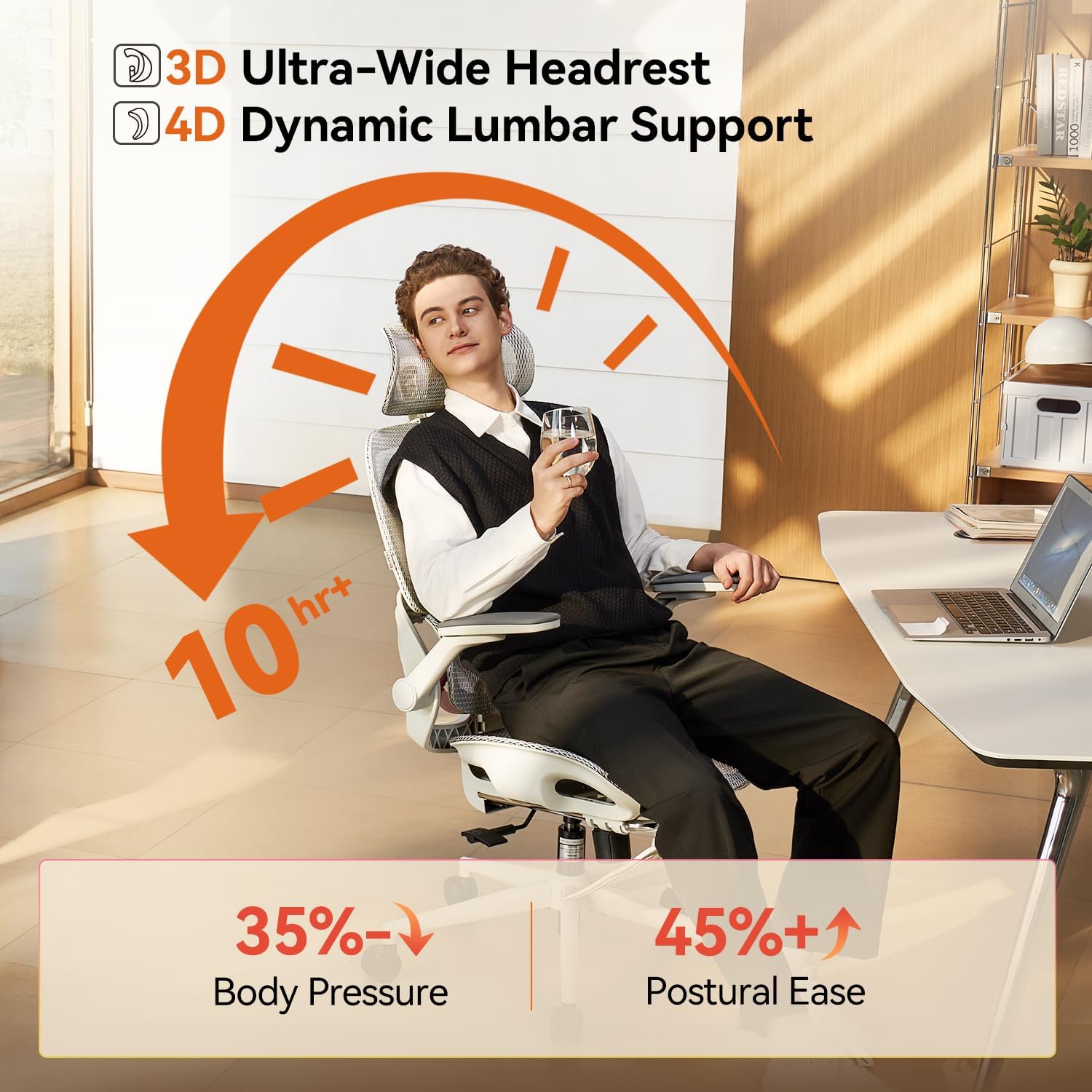
Fragment two. The mesh back is the reason this chair sells in warm rooms, and it is the hardest part to judge from a listing photo, because mesh fails by relaxing, not by tearing. Sit, lean, and the back should push back with some spring still in it. A panel that has gone soft lets your shoulders sink between the frame rails, and the chair starts feeling narrower than it is. The B100’s mesh holds its tension well in the first years, but a chair that lived in a sunny room ages faster there. Sunlight, the silent line item in every used-chair listing.
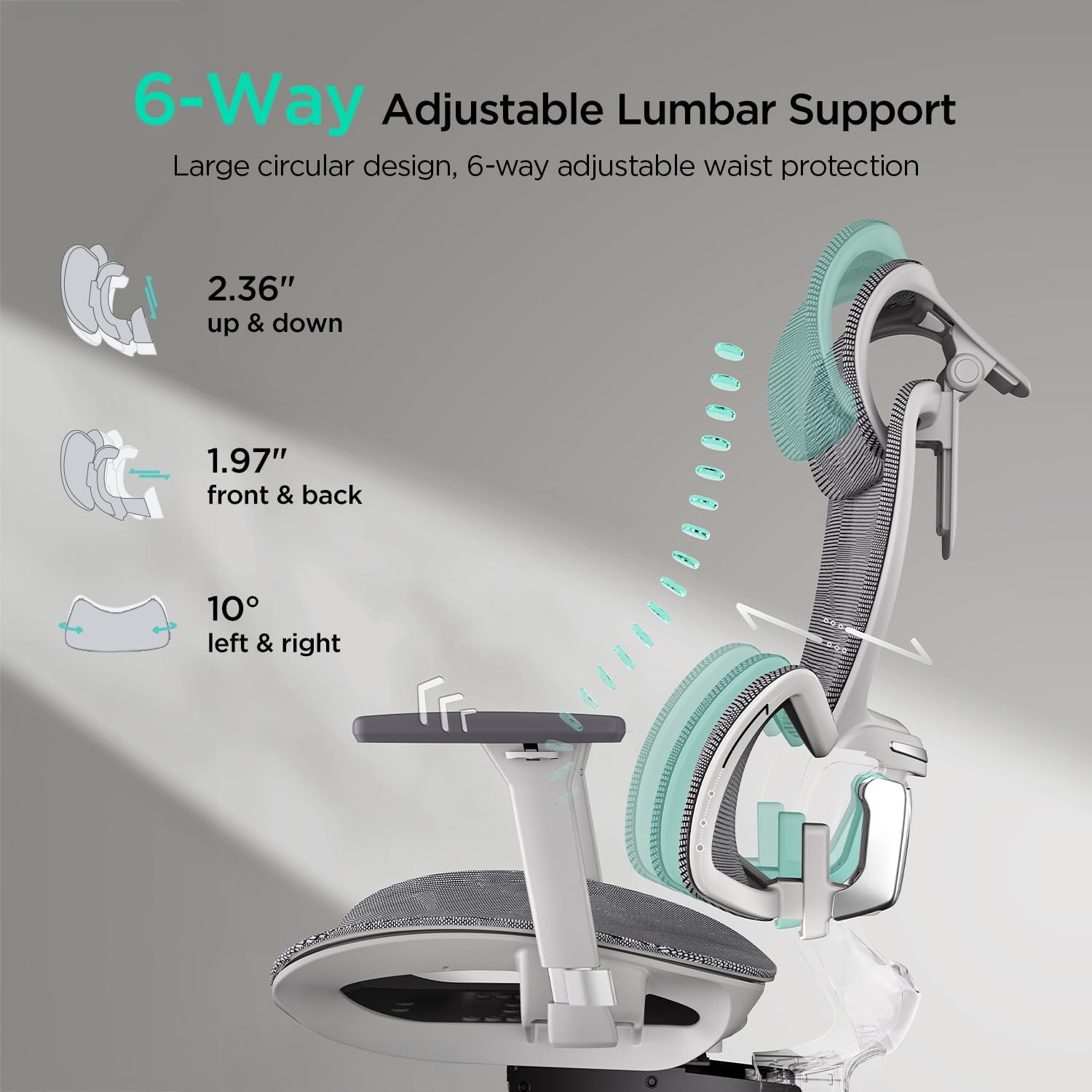
Fragment three, about the famous lumbar support, the adaptive one. It is a curved pad on a flexible mount, and it moves as you move, which is genuinely better than a fixed lump and genuinely not the same as a support fitted to your spine. On the resale bench the test is simple: press the pad, shift it, and feel whether the mount still springs back or just flops to wherever it was pushed. A flopped mount is not a broken chair, exactly. It is a chair whose headline feature has retired early, and it should be priced like the plainer chair it has become. New buyers should run the same press test in reverse — if the pad barely yields at all, your lower back will be negotiating with it for a month before one of you gives in.
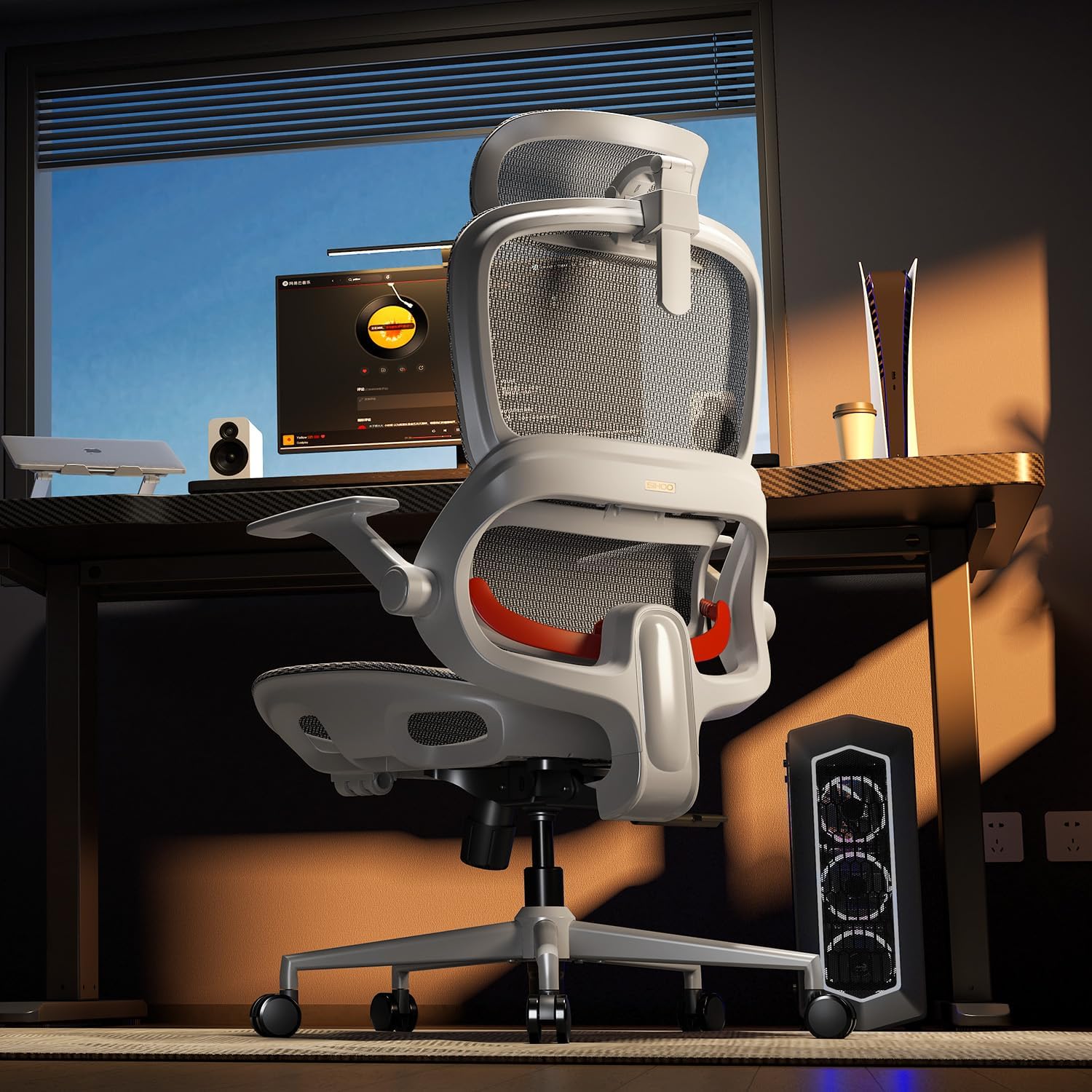
Fragment four. The seat cushion is where the B100 is honest in a way pricier chairs sometimes are not. It is a molded foam pad of moderate thickness, wide enough for most hips, and it does the unglamorous work of spreading weight so the 5 p.m. ache arrives later than it did on a flat dining chair. Foam has a lifespan measured in compression cycles, and the check is the sit-and-stand print: sit for a minute, stand, and watch how fast the cushion recovers its shape. Slow recovery on a new chair means soft foam that will pack down early. On the B100 the recovery is — actually, let me correct the easy version of that sentence, because the foam is not the fastest I have sat on and I have said so elsewhere. It is mid-pack. Adequate. The word the whole chair keeps earning.
The Pro, the footrest, and what a feature costs later
Fragment five, and this is the one that decides between the first two boxes. The B100 Pro adds a retractable footrest and a deeper recline, and as a new purchase that reads as pure upgrade. From the resale side it reads as one more moving system with its own failure accent. The footrest slides on rails under the seat, it collects dust and grit in exactly the place nobody cleans, and a gritty rail makes the rest extend with a scrape that owners describe as the chair feeling cheap — the chair is not cheap, the rail is dirty, but feelings set resale prices, not mechanisms. Clean rails glide. If you buy the Pro, the footrest rails join the caster axles on the list of places a two-minute wipe defends the chair’s whole value. The M18 review from the same maker shows what this brand does at a different price point, and the contrast is instructive: fewer moving systems, fewer arguments, less chair for the nap.
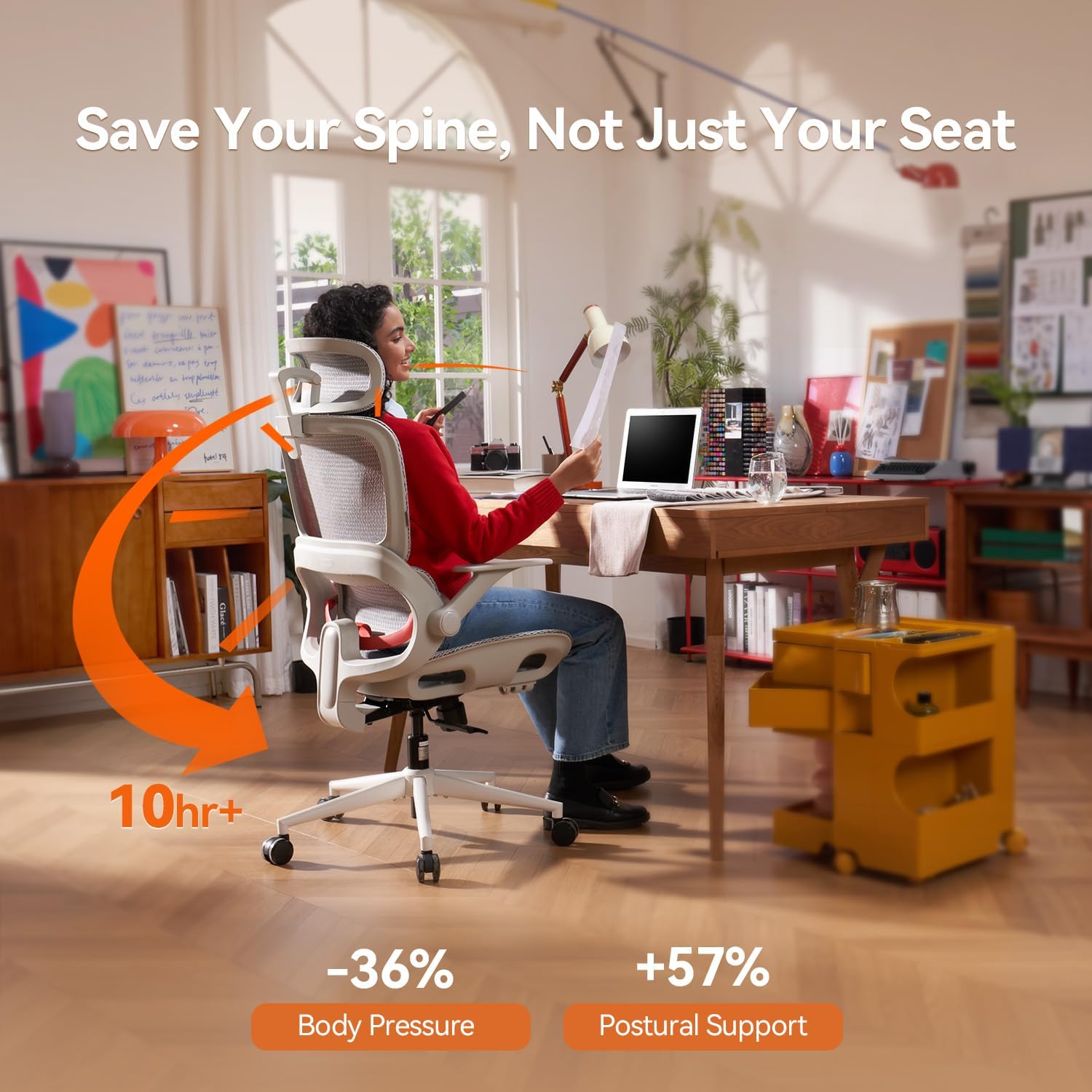
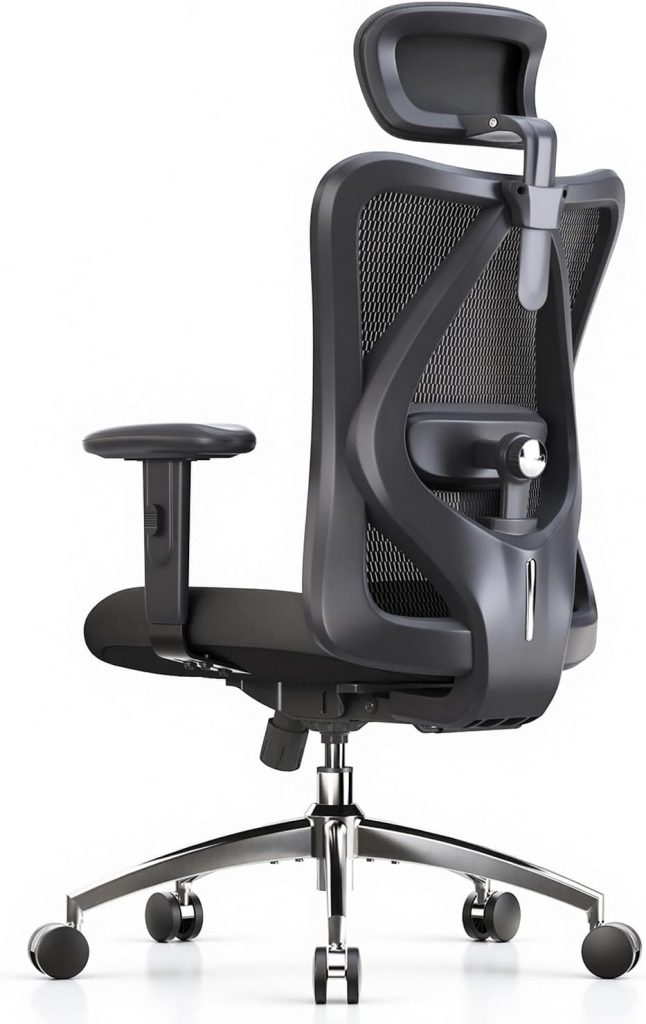
The subject — the standard B100, flip-up arms, mesh back, the version that shows up used more than any other in this line
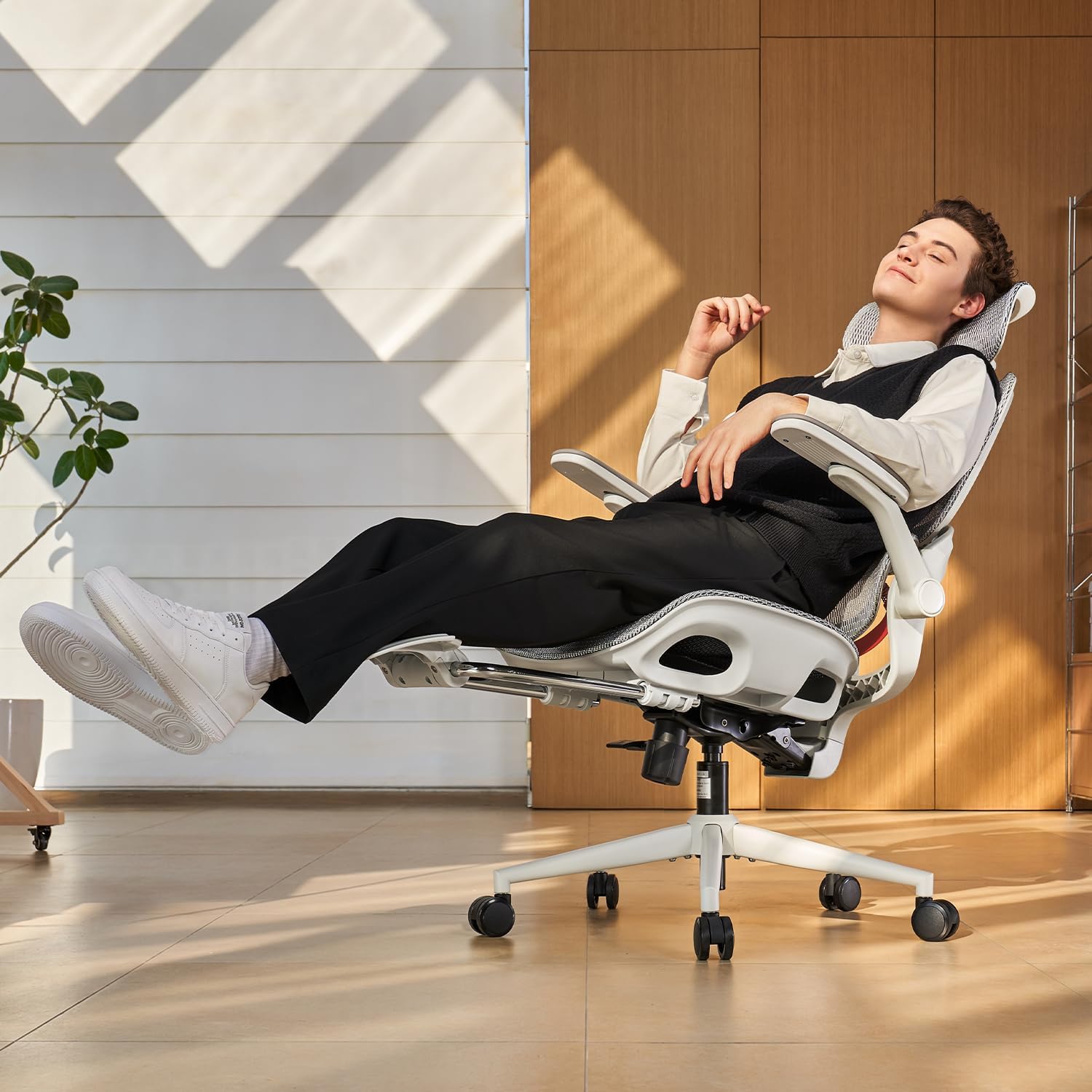
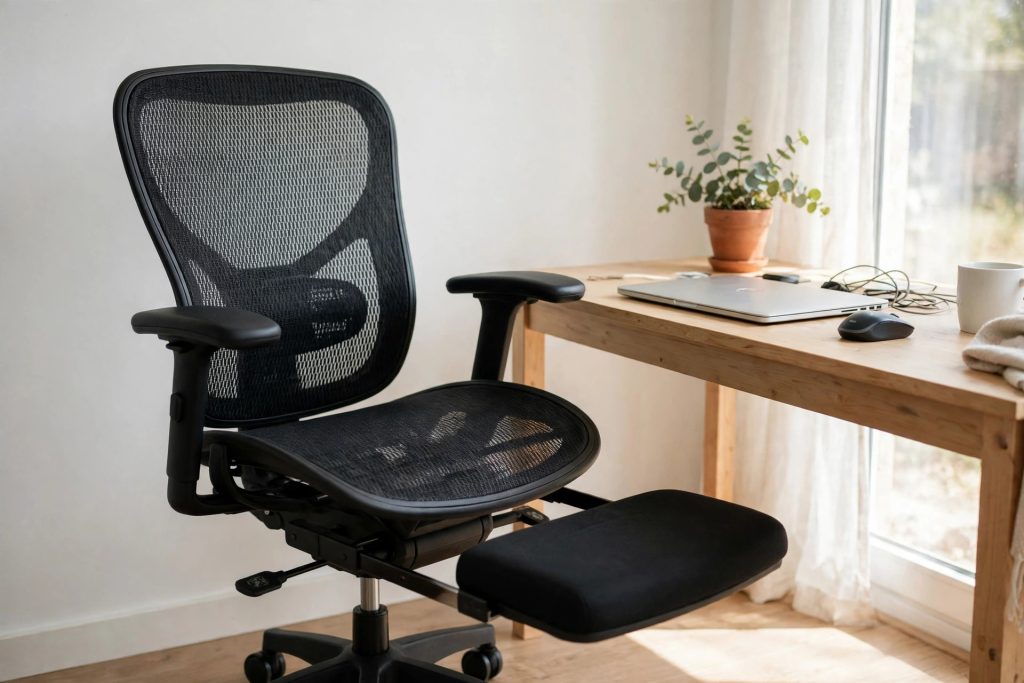
The Pro upgrade — a pull-out footrest and a recline that turns the desk chair into a nap chair, at a real price step up
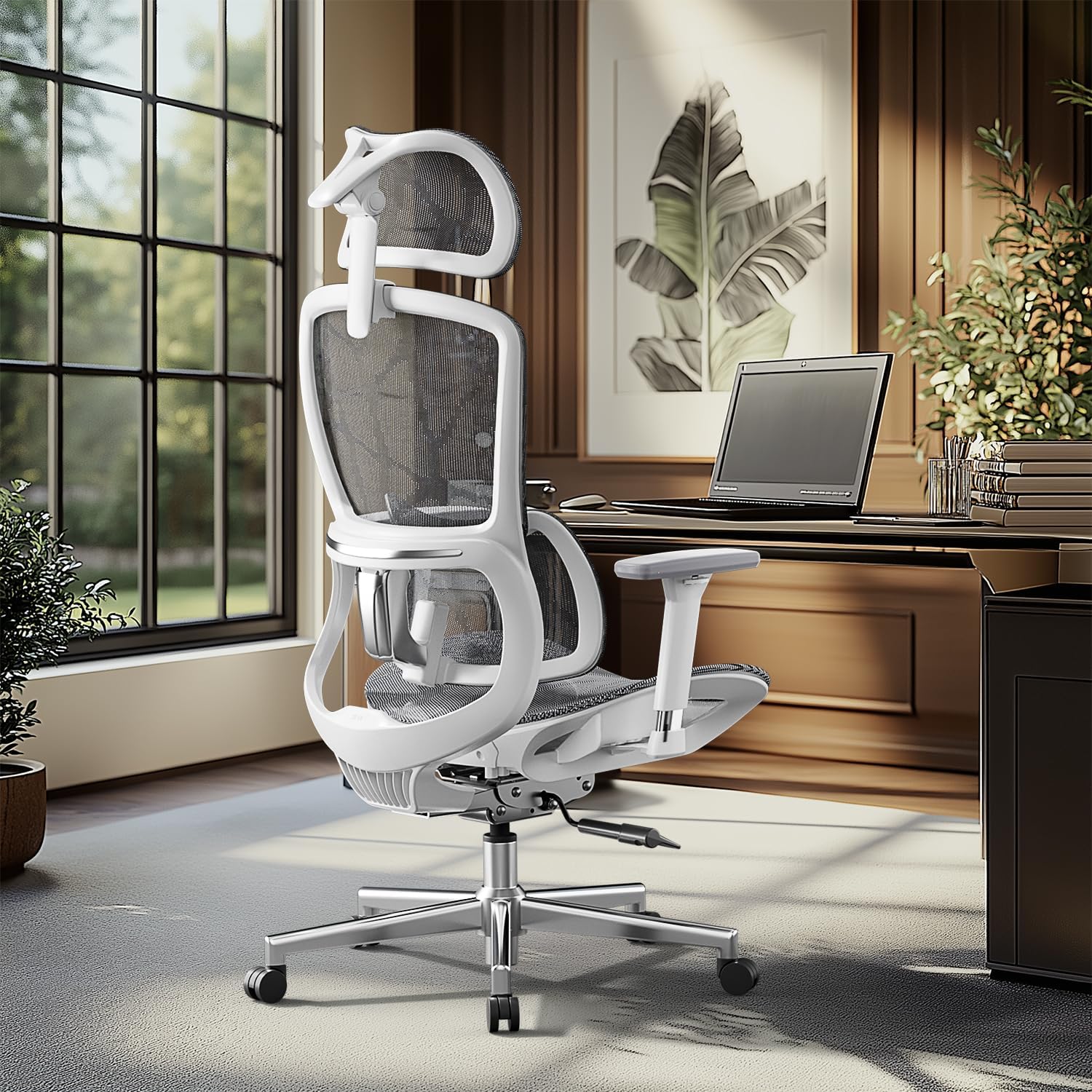
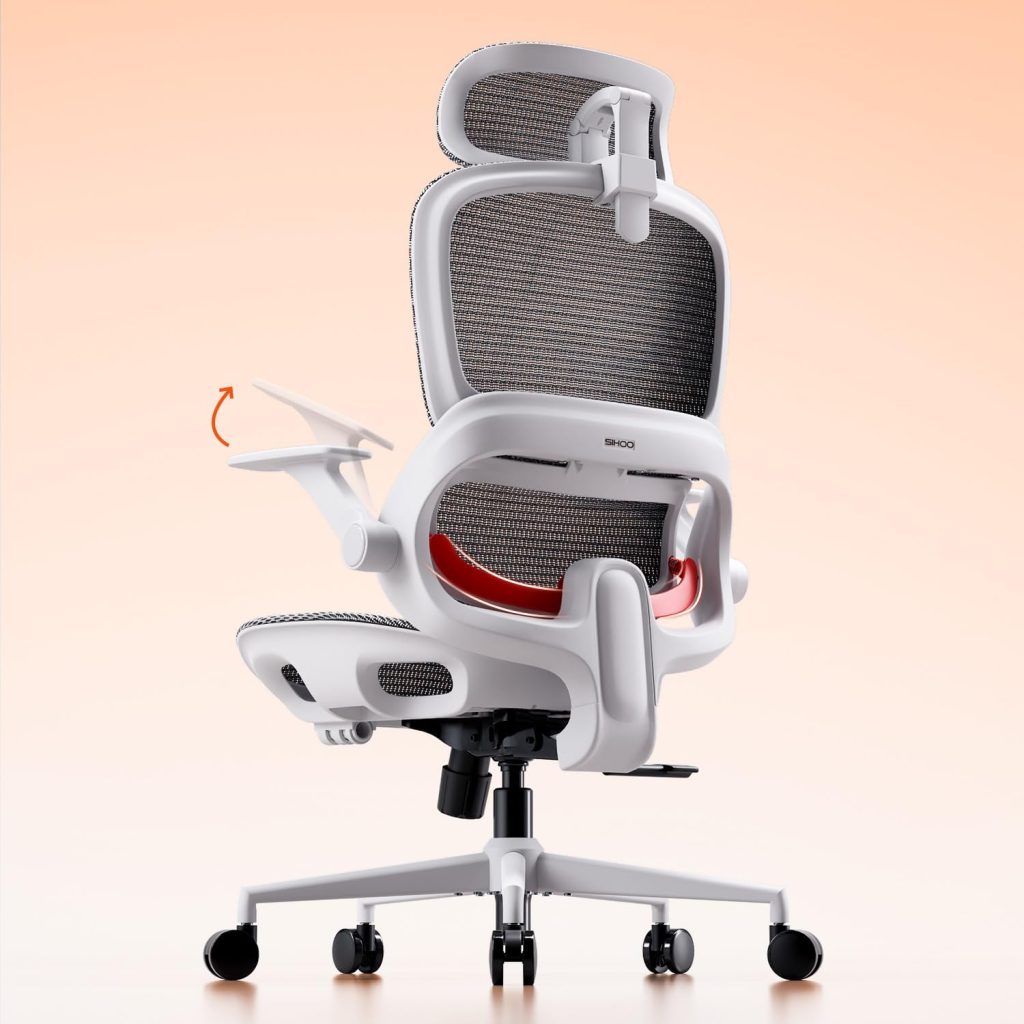
The sideways option — 3D armrests and an adjustable headrest from a different maker, for buyers whose arms matter more than brand
Prices and availability change; the listing is the final word.
Fragment six. Height, the quiet dealbreaker. The B100’s headrest adjusts, and at its top setting it lands correctly for sitters up to roughly six feet. Past that, the rest sits at the neck, doing decoration. This is a category failing — adjustment ranges are drawn around the middle of the height chart, and both tails get a worse chair for the same money. A tall buyer should test the headrest first, before the lumbar, before the mesh, because it is the one specification habit cannot soften. You adapt to a firm pad. You do not adapt to a headrest that ends at your shoulder blades. I have not sat the tallest variant of the Hbada in the third box, so I cannot judge whether its range runs longer. The listed numbers suggest a similar band.
Fragment seven, on the Hbada E2, since it sits in the third box pretending to be the budget cousin and is actually a different argument. Its armrests adjust in three directions, which matters to a specific kind of sitter — the one whose elbows never landed right on fixed arms, whose shoulders ride up through the workday without permission. The B100’s flip-up arms answer a space problem. The Hbada’s 3D arms answer a shoulder problem. Different problems, both real, and choosing between these chairs is mostly choosing which problem is yours. The dedicated B100 Pro review gives the footrest question more room than I can give it here.
Fragment eight. Assembly: twenty minutes is the honest figure for the B100, with one classic trap — a bracket that fits backwards, accepts its bolts backwards, and only confesses when the back will not align. The fix costs four minutes and some dignity. Build it on carpet if you can, because the base and its five casters will attempt to tour the room during the process.
Fragment nine, small and practical. The recline locks at three angles, roughly 110, 125, and 135 degrees — I am fairly sure those are the stops, give or take the marketing rounding — and the tilt tension knob underneath needs setting for your weight before the first lean, or the first lean becomes a small fall. Light sitters on factory tension barely recline. Heavy sitters nearly launch. The knob drifts too, and the lean that was right in spring is theatrical by autumn.
Last fragment, and it is the resale truth under the whole page. A B100 holds its value better than most chairs in its band because its failures are visible and checkable — hinge wobble, mesh tension, cushion recovery, a pad mount that still springs. Buyers can test all of it in two minutes in a driveway. Chairs whose failures hide inside sealed mechanisms get discounted on suspicion alone. This one’s honest wear is, in the end, a feature. A strange one.
Questions that come up
The flip-up arms sound handy, but will the hinges actually last?
They are the first wear point on this chair, and I say that from the resale bench rather than from suspicion — used B100s come back with arm wobble long before the mesh or the cushion gives out, because the fold gets used every single day, chair in, chair out. The hinge does not usually break outright. It loosens, gains a little lateral play, and the arm stops feeling like part of the chair. New, the arms should move with firm resistance and sit solidly at both stops. If you are hard on armrests — leaning on them to stand, hauling yourself around by them — budget your expectations accordingly, because that use doubles the hinge’s workload. Occasional folders will never meet this problem. Daily folders meet it in year two or three, and by then the chair has done enough work that calling it a defect feels unfair. It is a wear item wearing.
I am 6 foot 3. Is the headrest going to work for me?
Probably not, and it is better to hear it here than from the chair. The headrest tops out at a height that lands correctly for sitters up to about six feet; past that it settles at the upper neck or the shoulder blades, where it stops being support and becomes a thing your back occasionally bumps into. This is not specific to this model — adjustment ranges across the whole category are drawn for the middle of the height distribution, and tall sitters are an afterthought with a longer spine. What you can do is test the rest at its maximum before committing, and weight the lumbar and seat more heavily in your decision, since those still function at your height. Or accept the headrest as decoration, which many tall owners do, quietly, while the listing photos keep showing it cradling somebody five foot nine.
B100 or B100 Pro — is the footrest worth the step up?
It is worth it for exactly one pattern of use: you recline in this chair to read, watch, or nap, regularly, in the chair itself rather than migrating to a couch. For that pattern the Pro turns dead time into rest, and the deeper recline earns its money within a month. For a pure desk pattern — upright, task, eight hours — the footrest stays retracted, gathers grit in its rails, and contributes nothing except a higher invoice and one more system to keep clean. There is also a middle truth nobody mentions: the footrest changes how the chair reads to other people. A desk chair with a leg rest extended is a chair somebody is resting in, and in a shared room or a video call background, that signal matters to some buyers more than the comfort does. Buy the pattern you actually live, not the one in the product video.
How do I check a used B100 before paying for it?
Two minutes, four checks, in this order. Wiggle both flip-up arms sideways — play there is the chair’s odometer. Sit and lean back slowly to feel the mesh tension and whether the lumbar pad springs or flops when you shift. Sit for a full minute, stand, and watch the cushion recover; slow recovery means tired foam. Then sit still, feet flat, and simply wait — a gas lift that is losing its seal sinks so slowly you will only catch it by staying put, a few millimeters over a minute you can feel in your knees. None of this needs tools, and a seller who objects to two minutes of sitting is telling you the fifth thing for free. I cannot promise every used example follows the same wear script, but in this model’s case the script has been consistent enough to price by.
Does a mesh back really stay cooler, or is that marketing?
It stays cooler, and this one is not marketing, because the mechanism is plain airflow — a tensioned mesh panel lets air move through the back of the chair, and a padded vinyl or leatherette back does not, full stop. The difference shows up by early afternoon in a warm room: a shirt back that is dry instead of damp, and a sitter who stops doing the lean-forward peel away from the chair that padded backs cause by July. The trade is support character. Mesh distributes pressure by tension, so it feels floatier and less cushioned than foam, and people who love a plush, upholstered back often find mesh chairs feel unsupportive for the first week even when their backs are measurably happier by Friday. Cooler, yes. Plusher, no. The chair chose its side.
The last used B100 I priced went to a student who wiggled the arms, sat the full minute, and paid without haggling, because the wear was honest and the price already knew it. The chair is in a dorm room now, presumably. The left arm still wobbles a little, the mesh still springs — and I keep thinking about the ones that get dumped instead, same wobble, same chair, listed as mint.
This site contains affiliate links. We may earn a commission on qualifying purchases.