
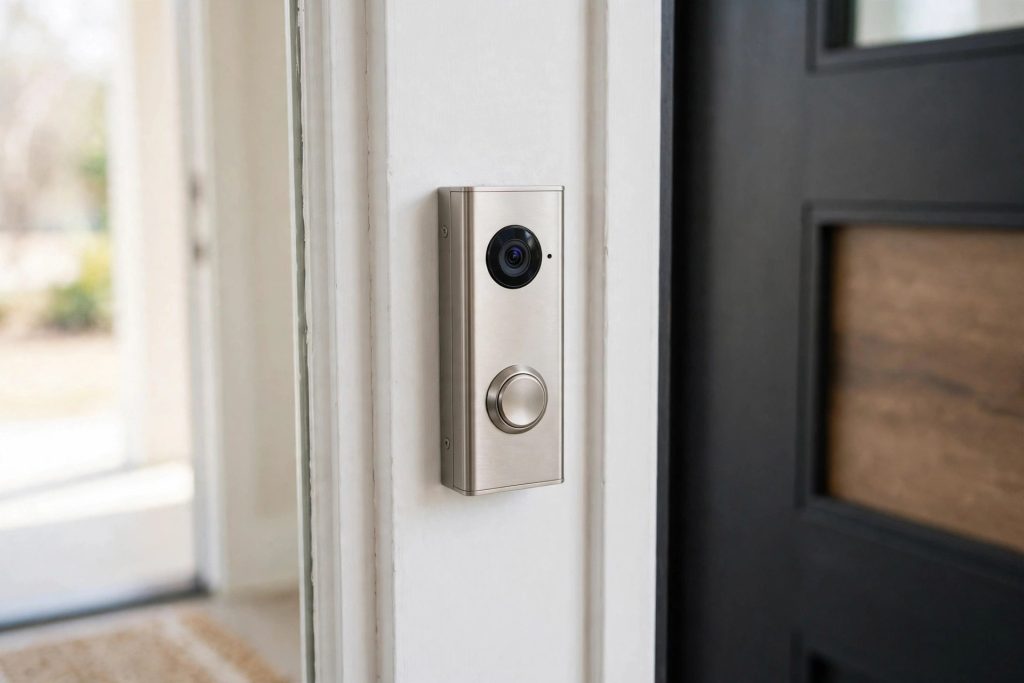
Ring Battery Doorbell Review: Head-to-Toe Video & Two-Way Talk
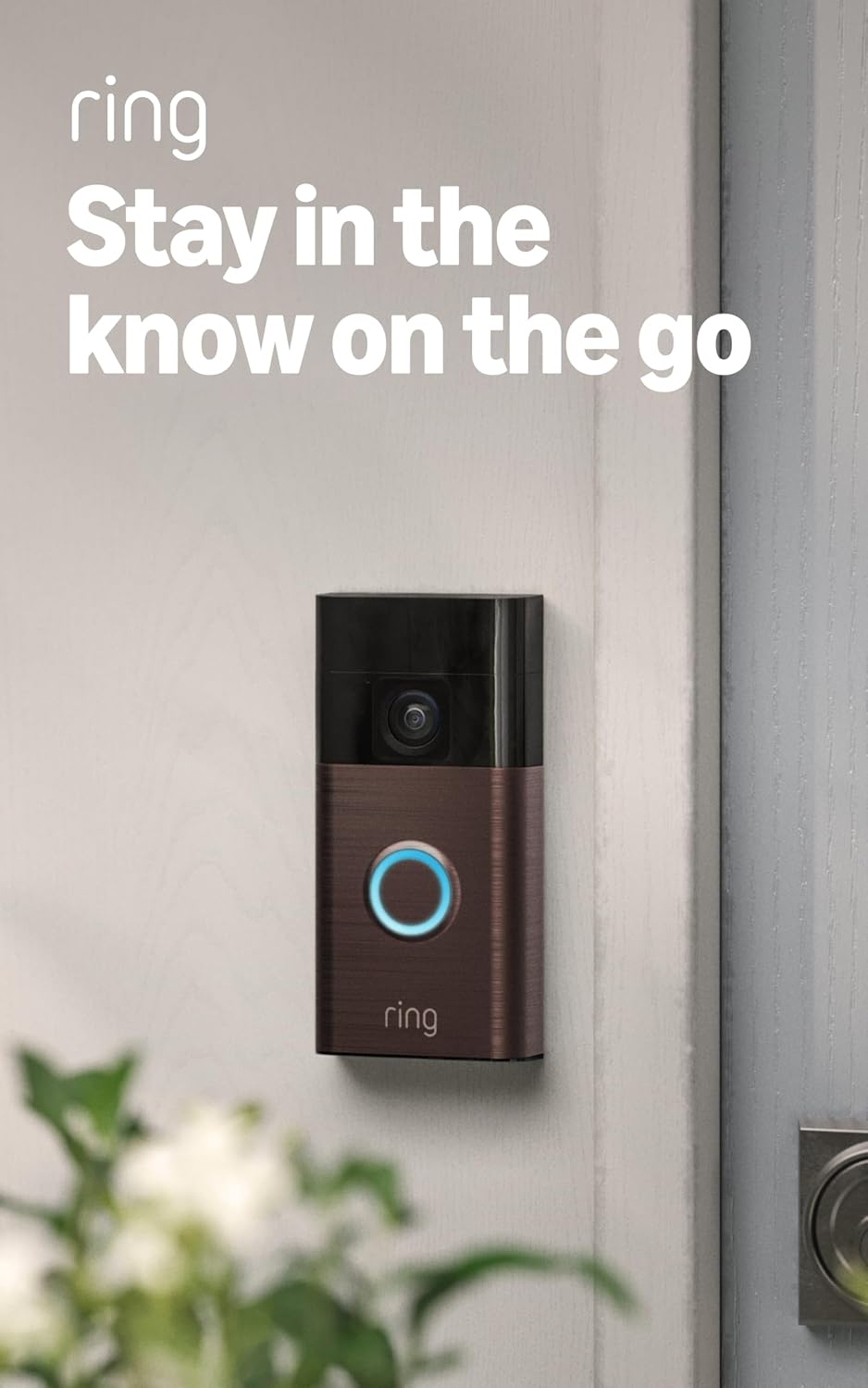
The Ring Battery Doorbell is the wire-free way into the Ring ecosystem — a rechargeable video doorbell with tall head-to-toe framing, two-way talk, and motion alerts, no existing doorbell wiring required. This guide covers what it does well, where the subscription question bites, and how it stacks up against the budget Blink and the subscription-free eufy.
Quick Answer
Related: See our August Wi-Fi Smart Lock (4th Gen) Review for a detailed comparison.
The Ring Battery Doorbell is the right pick if you want Ring’s ecosystem and app without touching your wiring — head-to-toe video catches packages at your feet, and two-way talk works well. Budget shoppers should look at the Blink Video Doorbell instead; if you refuse monthly fees, the eufy C31 records locally with no subscription at all.
Compare Top Video Doorbells
Three proven picks side by side — choose the one that fits your needs.
Ring Battery Doorbell
Wire-free Ring with tall head-to-toe video — the easiest path into the Ring ecosystem, no wiring needed.
Blink Video Doorbell
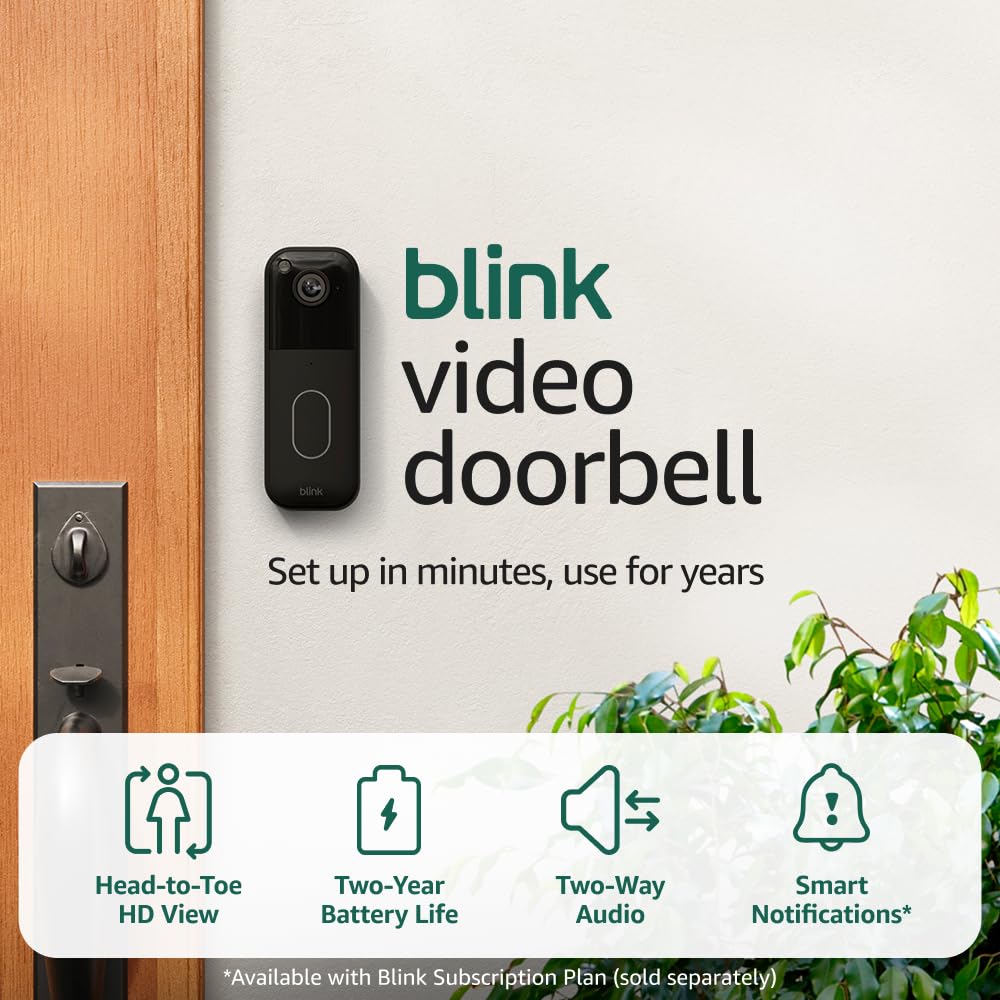
The budget Alexa-friendly pick — needs its Sync Module, and cloud clips need a subscription.
eufy Security Video Doorbell C31
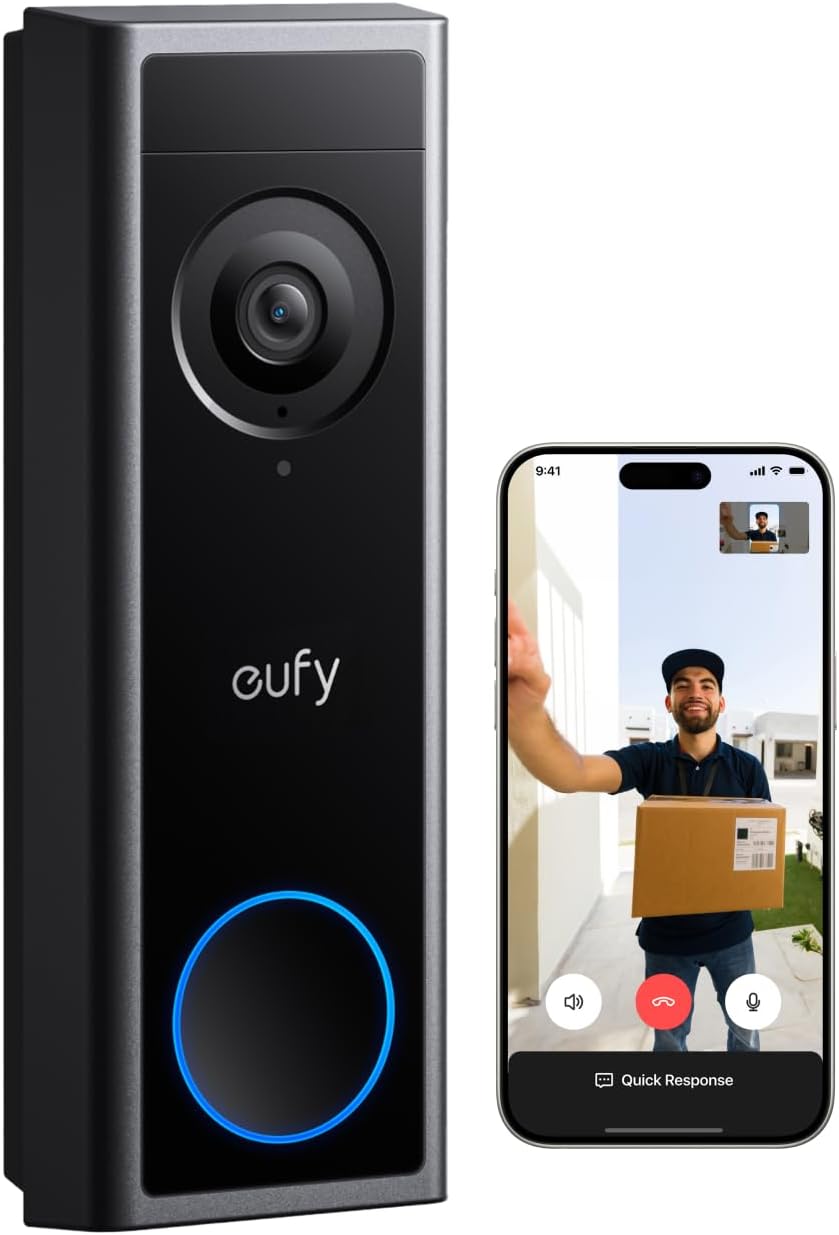
No monthly fee with local storage — battery or wired, with head-to-toe view and live video calls.
Prices and availability may vary — tap any product to check the current listing.
What to Look For When Buying a Video Doorbell
A video doorbell is the rare gadget you interact with through your front door, your phone, and your peace of mind — all at once. Get the fundamentals right and it’s invisible. Get them wrong and it’s a very expensive way to watch your porch in blurry silence.
Video framing: can it see the package, not just the person?
Here’s the thing most product photos don’t tell you: a standard wide-angle doorbell shows faces beautifully and packages terribly. The box on your doormat sits below the frame. The Ring Battery Doorbell’s tall head-to-toe framing exists specifically to fix this — the vertical field of view stretches from faces down to feet, so you see the delivery, not just the deliverer. The eufy C31 takes the same approach. The Blink, meanwhile, uses a more conventional wide frame; fine for visitors, less useful for package watch.
Night vision matters as much as daytime framing. All three handle low light, but judge them on clarity of faces at ten feet in the dark, not on marketing stills. A doorbell that can’t identify a face at night is a motion-activated nightlight with extra steps.
Battery vs. wired: the real trade-off
Battery means freedom — no electrician, no existing chime wiring, mount it anywhere with a screwdriver and a prayer. It also means maintenance: every few weeks or months (depending on how busy your door is and how cold your winters get), you’re popping the battery out to recharge it. Busy street-facing doors drain batteries dramatically faster than quiet suburban ones. Cold is the silent killer — lithium batteries lose stamina in freezing weather, and there’s no way around the chemistry.
Wired means never thinking about power again, plus perks like continuous recording on some models — but it means you need existing doorbell wiring or an electrician. Renters, take note: battery is usually your only option, and it’s a good one. Just go in with eyes open about the recharge ritual.
Two-way talk quality
Two-way talk is where cheap doorbells embarrass themselves. The use case is specific: you’re not home, the courier is at the door, and you need to say “leave it behind the planter” clearly enough to be understood. The Ring handles this well — audio is clear both directions with manageable delay. Test your expectations honestly: a half-second delay is normal for all of these. What you can’t tolerate is the choppy, walkie-talkie stutter of weak Wi-Fi, which is almost always a network problem, not a doorbell problem. More on that below.
Motion detection and alert sanity
Every video doorbell detects motion. The difference is whether it detects useful motion. A doorbell facing a busy sidewalk will ping you forty times a day about pedestrians unless you tune the motion zones — and all three of these let you draw activity zones to ignore the street. Do this on day one. The households that love their doorbells set zones in the first hour; the households that hate them never do, then complain about notification fatigue.
Person detection (alerts only for humans, not every passing cat) is the feature that separates tolerable from delightful. Check which tier of detection each model offers, because it directly determines whether your phone buzzes ten times a day or a hundred.
Storage and the subscription question
This is the money question, literally. Ring and Blink are built around cloud subscriptions — without one, you get live view and real-time alerts, but recorded video history (the thing you actually want when a package goes missing) requires the plan. eufy flips the model: local storage on the device, no monthly fee, your clips live on your hardware.
Neither model is a scam; they’re different philosophies. Cloud means your footage survives even if someone steals the doorbell. Local means no recurring cost, ever. I’ve seen people spend way too much on features they never use, but storage isn’t one of them — this is the decision that determines your total cost of ownership over three years. Do the math before you fall in love with a camera.
Smart home and ecosystem fit
Ring plays best with Alexa — announcements on Echo speakers, live view on compatible displays. Blink is also in that family, so the integrations rhyme. eufy is more platform-agnostic, working with the major assistants without deep lock-in. If your house already announces “someone’s at the front door” through speakers in three rooms, staying in the same ecosystem keeps that magic working. Mixing brands across your doorbell and your speakers is where the friction lives.
How to Match the Doorbell to Your Situation
Three households, three right answers.
The renter: “I can’t touch the wiring”
Battery is your lane, and the Ring Battery Doorbell is the most polished option in it — no wiring, no landlord negotiations, and it comes off the wall cleanly when you move. Just confirm your Wi-Fi actually reaches the front door first (stand there with your phone; if the signal is weak, the doorbell will struggle too). A small wedge mount angles the view down toward packages if your door sits high.
The wired homeowner: “I’ve got an old doorbell already”
If working chime wiring exists, you have options the renter doesn’t — including wiring the Ring for trickle charging so the battery question mostly disappears. But don’t assume: old transformers are frequently underpowered for video doorbells, and a doorbell that reboots every time someone rings is a special frustration. When in doubt, the battery models work fine on a wired home too — you’re not obligated to use the wires.
The subscription-hater: “No monthly fees, ever”
The eufy C31 is built for you — local storage, no subscription, full features out of the box. It’s the only one of the three where the price you pay on day one is the total price, period. The trade-off: you’re outside the Ring/Blink cloud ecosystem, so footage lives on the device. For most people that’s a feature, not a bug.
How the Tiers Compare
Video doorbells cluster into a few clear approaches. Here’s the landscape.
| Type / Tier | Best For | Price Tier | Key Feature | Watch-Out |
|---|---|---|---|---|
| Battery doorbell, cloud ecosystem (Ring) | Renters, Alexa households, no-wiring installs | Mid-range | Head-to-toe video, polished app, deep Alexa integration | Video history needs a subscription |
| Budget battery doorbell (Blink) | Cost-conscious buyers, second doors | Budget-friendly | Lowest entry cost, long battery stretches | Needs Sync Module; cloud clips need a plan |
| Subscription-free local storage (eufy) | Fee-haters, privacy-minded owners | Mid-range | No monthly fee, local clips, battery or wired | Footage lives on the device, not the cloud |
| Wired pro doorbell | Homeowners wanting 24/7 recording | Premium | Continuous power, most advanced detection | Needs existing wiring or an electrician |
The battery-cloud tier is the mainstream default — easiest install, best app polish, and the subscription funds the infrastructure that makes it all work smoothly.
The budget tier exists for one job: a working video doorbell for the least money. It does that job. Just budget for the Sync Module and understand the subscription math.
The subscription-free tier is the contrarian pick that keeps winning converts — pay once, own your footage, never see a bill. The audience for this is bigger than the industry admits.
The wired pro tier is for people who’ve lived with a battery doorbell, loved it, and now want continuous recording and zero charging rituals.
Questions People Ask Before Buying
These are the questions shoppers actually type into search and AI assistants when they’re close to buying. Straight answers, no fluff.
Is the Ring Battery Doorbell worth it if I have to pay for a subscription too?
Yes, if you want Ring’s ecosystem — the doorbell itself is the polished, wire-free entry point with head-to-toe video and reliable two-way talk, and the subscription buys video history plus the cloud infrastructure that makes alerts fast and footage retrievable from anywhere — but if the idea of a monthly fee genuinely bothers you, the eufy C31 gives you local storage with no subscription and you’ll resent every Ring bill, so be honest about which kind of buyer you are before you commit.
Total cost of ownership over three years is the real comparison, not the sticker price. Run that math and the answer usually becomes obvious.
Ring vs Blink video doorbell — which one should I actually buy?
Buy Ring if you want the better camera experience — taller head-to-toe framing that actually shows packages, a more polished app, and deeper Alexa integration — and buy Blink if budget is the deciding factor, since it’s the cheapest way to get a working video doorbell from the same broader family — but understand both funnel you toward a subscription for video history, so the “cheap” option narrows its lead once you add the plan.
Think of Blink as Ring’s thrifty sibling: same family DNA, fewer frills, and a Sync Module to manage. For a back door or garage, that’s plenty.
Will I be recharging the battery constantly, or does it actually last?
It lasts a reasonable stretch for most households — but “reasonable” depends entirely on your door’s traffic, because every motion event and live view costs battery, so a quiet suburban door can go months between charges while a busy street-facing door in a cold winter will need far more frequent top-ups — and cold weather is the real battery killer, since lithium chemistry simply delivers less in freezing temperatures.
Keep a spare charged battery if your model supports swappable packs and the ritual becomes a thirty-second swap instead of a doorbell outage.
Do I need existing doorbell wiring to install it?
No — that’s the entire point of the battery model. It mounts with a bracket and screws, connects to your Wi-Fi, and runs on its rechargeable battery, which makes it the go-to for renters and anyone whose house never had a wired chime — though you should still check that your Wi-Fi signal is strong at the front door, because a weak signal causes more doorbell misery than any hardware limitation ever will.
Will it actually catch packages, or just people’s faces?
It catches packages — the tall head-to-toe framing is specifically designed so the vertical view stretches from faces down to the doormat, which is exactly where deliveries land — but mounting height still matters, so if your door sits high above the porch, add a wedge mount to angle the view downward, because even the best sensor can’t see around geometry.
Renting? Here’s Your Playbook
Renters have the simplest decision tree in this category: battery, no wiring, removable mount. The Ring Battery Doorbell checks all three. Mount it with the included bracket — when you move, it comes off with minimal wall repair, and the doorbell moves with you to the next place. That’s an underrated perk: unlike a wired install, your investment isn’t abandoned to the landlord.
Two renter-specific tips. First, the Wi-Fi check matters double for you, because you can’t reposition a router that’s bolted to wherever the ISP put it. Stand at your door with your phone; if video calls stutter there, the doorbell will too. Second, tell your landlord. Most don’t care about two small screw holes, but the conversation goes better before installation than after a security deposit dispute.
Hate Monthly Fees? Read This
There’s a special frustration in buying hardware and then renting back its best features. If that sentence made your jaw clench, you’re the eufy C31 buyer. Local storage, no subscription, full feature set on day one — the price on the box is the total price, forever.
But let’s steelman the subscription for a second, because dismissing it entirely is also a mistake. Cloud storage means your footage survives a stolen doorbell. It means instant clip sharing with neighbors or police without physically accessing the device. And it funds the server infrastructure that makes alerts arrive in seconds rather than whenever. Some people happily pay for that. The question isn’t whether subscriptions are evil — it’s whether you value what they buy. Know yourself.
Common Mistakes Buyers Make
Mounting it at face height for a giant
The default mount puts the camera around 48 inches — perfect for an average adult, terrible for seeing packages if your door is elevated. If your porch sits below the door, add a wedge mount to tilt the view down. Five dollars of angled plastic solves the number one “it doesn’t see my packages” complaint.
Ignoring Wi-Fi strength at the door
The front door is often the farthest point from the router, through the most walls. Weak signal means delayed alerts, choppy two-way talk, and clips that never upload — symptoms people blame on the doorbell. Test with your phone first. A mesh node or extender near the front of the house fixes more “bad doorbell” reviews than any settings change.
Never setting motion zones
Out of the box, the doorbell watches everything — street, sidewalk, neighbor’s driveway. Your phone will buzz itself into irrelevance within a week. Draw activity zones on day one to cover only your porch and walkway. This single setting is the difference between loving and hating the product.
Buying the ecosystem before checking the bill
Falling in love with the camera and discovering the subscription afterward is backwards. Decide your storage philosophy first — cloud or local, fee or no fee — then pick the doorbell that matches. The hardware differences are smaller than the billing differences.
Why, How, What: Quick Answers
Why do people pick the Ring Battery Doorbell over a wired model?
Installation freedom. No transformer to check, no electrician to schedule, no compatibility roulette with a thirty-year-old chime — just a bracket, screws, and Wi-Fi. For renters it’s the only option; for homeowners it’s the path of least resistance. The recharge ritual is the price, and most owners consider it a fair trade for skipping the wiring project entirely.
How does head-to-toe video actually change what you see?
A conventional doorbell frame is wide and short — great for faces, blind to the doormat. The tall vertical framing adds the bottom of the picture back: you see the courier’s face and the box they set down, in the same clip. For package-heavy households, that’s the difference between “delivery confirmed” and “delivery confirmed, and I can see it’s still there.” It’s a framing choice, not a resolution spec — and it matters more than megapixels for the actual job.
What can’t a video doorbell do?
It can’t see through walls, around corners, or past a badly chosen mount angle. It can’t identify a face the camera never captured clearly — night footage of a hoodie at twenty feet is a silhouette, not an ID. And it can’t fix a weak Wi-Fi signal; most “missed” events are connectivity failures wearing a hardware costume. A doorbell is a witness with a narrow field of view, not a security guard. Set expectations there and it’s excellent at its actual job.
Common Questions About Ring Battery Doorbell
Does the Ring Battery Doorbell work without a subscription?
Yes, for live view, real-time motion alerts, and two-way talk — those work with no plan. What the subscription adds is video history: recorded clips you can rewind and save. Without it, when an alert fires and you miss the live moment, there’s no recording to go back to. Decide whether that matters to you before buying.
How do I recharge it — do I have to take the whole doorbell down?
The battery pack releases from the doorbell, so you pop it out, charge it indoors over USB, and click it back in — the mount stays on the wall. The doorbell is offline while the battery charges, so some owners keep a spare pack to swap in and skip the downtime entirely.
Will it work with my existing chime?
The battery model doesn’t need your existing chime at all — it can announce through your phone and through compatible smart speakers and displays in the house. If you want the old mechanical chime to ring too, that’s a job for the wired models, not this one. Most battery-doorbell owners end up preferring the speaker announcements anyway.
Can it tell the difference between a person and a passing car?
With person detection enabled and motion zones drawn properly, yes — it filters for human-shaped movement in the areas you care about. Out of the box with default settings, expect some false alarms from cars and swaying branches. The ten minutes you spend tuning zones pays off every day after.
Is installation really DIY-friendly?
It’s one of the easier smart-home installs: mount the bracket with screws, level it, connect to Wi-Fi in the app. No wiring, no breaker panel, no electrician. The most common snag is weak Wi-Fi at the door — check your phone’s signal there first and you’ll sail through.
What happens to my clips if someone steals the doorbell?
With a cloud subscription, your recorded clips are already uploaded — the thief gets the hardware, not your footage. Without a subscription there are no stored clips to lose. This is the quiet argument for cloud storage that the “no monthly fee” crowd sometimes underweights: the footage outlives the device.
Final Recommendation
The Ring Battery Doorbell is the wire-free doorbell to beat — head-to-toe video that actually shows packages, solid two-way talk, and the most polished app in the category. If you’re in (or entering) the Ring/Alexa ecosystem and you can accept the subscription for video history, it’s the obvious pick.
Buy the Blink if the budget is tight and the door is low-stakes. Buy the eufy C31 if monthly fees are a dealbreaker — local storage, no subscription, done. But for the main entrance of an Alexa household? Ring. Set your motion zones on day one, check your Wi-Fi at the door, and it’ll quietly do its job for years.
OUR TOP PICK
Ring Battery Doorbell
Wire-free Ring with tall head-to-toe video — the easiest path into the Ring ecosystem, no wiring needed.
Decision Tree: Should You Buy the Ring Battery Doorbell?
→ Renter or no existing wiring? Yes → strong candidate. Battery install is the whole point.
→ Already in the Alexa/Ring ecosystem? Yes → strong buy. Announcements and integrations just work.
→ Monthly fees are a hard no? Yes → get the eufy C31 instead. You’ll resent every bill.
→ Tight budget, back door or garage? Yes → Blink covers it for less.
→ Want 24/7 continuous recording? Look at wired models instead. Battery doorbells record on events, not continuously.
Key Takeaways
• Head-to-toe framing is the feature that matters most for package households — faces and the doormat in one clip.
• Decide cloud vs. local storage before you buy — the billing model matters more than the hardware differences.
• Set motion zones on day one and check Wi-Fi strength at the door; those two steps prevent most “bad doorbell” experiences.
• Battery life is traffic- and temperature-dependent — busy doors and cold winters mean more frequent recharges.